How to Improve Microphone Sound Quality?
Good sound is very important when you use a microphone. Whether you talk in a meeting, record a song, or make a video, clear sound helps people understand you better. Sometimes, microphones do not sound good. The voice may be quiet, noisy, or unclear. But you can fix this. This article will show you simple ways to improve microphone sound quality. You do not need to buy expensive gear. Just follow the tips below.
1. Choose the Right Microphone
First, use the right microphone for your need. Different microphones work well in different places. For example:
- USB microphones: Easy to use with computers. Good for calls and recordings.
- Condenser microphones: Great for studio recording. They catch clear and detailed sound.
- Dynamic microphones: Good for loud places. They block background noise well.
Pick a microphone that fits your use. A good start helps a lot.
2. Find a Quiet Place
Sound quality depends on the place you use your microphone. Choose a quiet room. Avoid places with loud noise. Traffic, fans, or people talking can make your voice hard to hear.
Soft things help reduce noise. Use:
- Curtains
- Carpets
- Cushions
They stop sound from bouncing around. This makes your voice clearer.

Credit: www.amazon.com
3. Position Your Microphone Correctly
Where you put your microphone matters. Put it near your mouth. About 6 to 12 inches away is good. Not too close, not too far.
If it is too close, your voice may sound too loud or pop. Too far means your voice will be weak.
Try to speak directly toward the microphone. This helps catch your voice well.
4. Use a Pop Filter or Windscreen
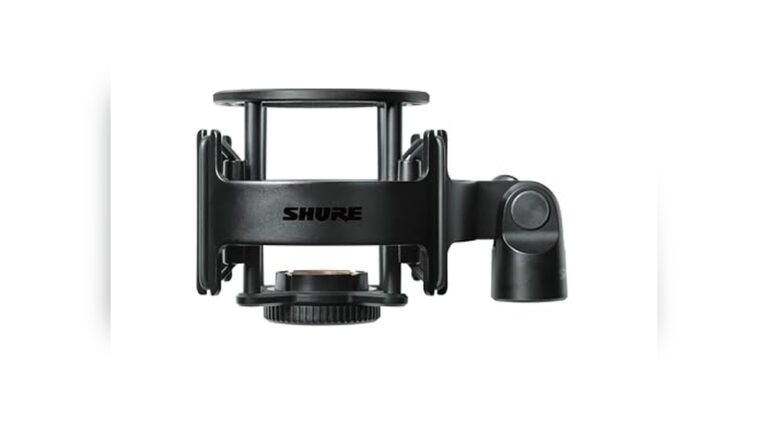
When you speak, some sounds like “p” and “b” make a popping noise. A pop filter stops this. It is a thin mesh you put in front of your mic.
If you do not have a pop filter, use a small cloth or foam cover. It also helps reduce wind noise if you record outside.
5. Check Your Microphone Settings
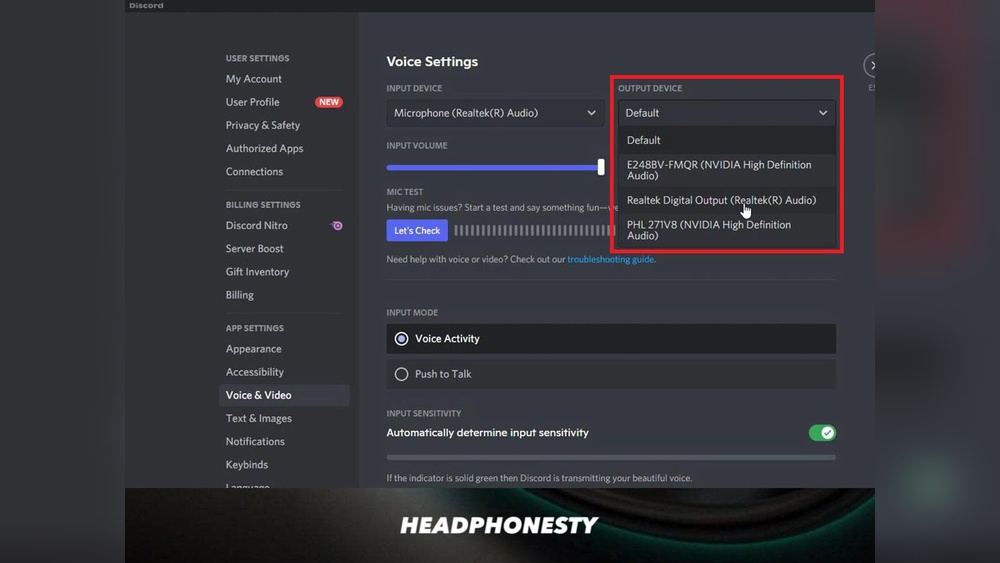
Your device or software may have microphone settings. Check the volume level. Too low means quiet sound. Too high means noisy or distorted sound.
Set the volume to a medium level. Test by speaking. Adjust until your voice is clear and not too loud.
Some software has noise reduction features. Turn them on to reduce background noise.
6. Use an Audio Interface or Mixer
If you use a professional microphone, connect it to an audio interface or mixer. These devices improve sound quality. They give clean and strong sound signals.
This step is for people who want better sound for music or videos. It is not needed for simple calls.
7. Avoid Touching or Moving the Microphone
When the microphone moves or you touch it, you may hear unwanted noise. Try to keep it steady while recording or talking.
Use a microphone stand or holder to keep it in place. This stops shaking sounds.
8. Reduce Echo and Reverb
Echo and reverb make your voice sound like you are in a big room. It can be distracting.
To reduce echo:
- Record in a small room with soft walls.
- Put blankets or foam on walls.
- Use thick curtains on windows.
These things absorb sound and stop echo.

Credit: www.youtube.com
9. Maintain Your Microphone
Keep your microphone clean. Dust and dirt can reduce sound quality.
Use a soft cloth to wipe the mic. Do not use water or chemicals.
Store the microphone in a safe place when not in use. Avoid dropping it.
10. Practice Speaking Clearly
Your voice quality matters too. Speak slowly and clearly. Do not shout or whisper.
Keep your mouth a little open. This helps the microphone catch your voice well.
Summary Table: Tips to Improve Microphone Sound Quality
| Tip | Why It Helps |
|---|---|
| Choose the right microphone | Fits your needs and captures sound well |
| Find a quiet place | Reduces background noise |
| Position microphone correctly | Captures clear and strong voice |
| Use pop filter or windscreen | Stops popping and wind noise |
| Check microphone settings | Controls volume and noise reduction |
| Use audio interface or mixer | Improves sound quality for pro use |
| Avoid moving the microphone | Prevents unwanted noise |
| Reduce echo and reverb | Makes voice sound clear and natural |
| Maintain the microphone | Keeps mic working well |
| Practice speaking clearly | Helps mic catch your voice better |
Frequently Asked Questions
How Can I Reduce Background Noise On My Microphone?
Use a quiet room and place a foam windscreen on your mic to cut unwanted sounds.
What Is The Best Distance From A Microphone?
Keep your mouth about 6 to 12 inches away for clear, balanced sound.
Does Microphone Placement Affect Sound Quality?
Yes, placing the mic correctly avoids echoes and picks up your voice better.
How To Avoid Popping Sounds In Recordings?
Use a pop filter to stop harsh ‘p’ and ‘b’ sounds from popping.
Conclusion
Improving microphone sound quality is easy. Small changes make a big difference. Use the right microphone. Find a quiet place. Position your mic well. Use filters. Check settings. Avoid noise. Reduce echo. Take care of your mic. Speak clearly.
Try these tips next time you use your microphone. You will hear better sound. Others will understand you easily. Good sound helps you share your ideas and stories.