How to Use a Microphone Properly?
A microphone helps you speak or sing so others can hear you clearly. But using it right takes some care. This guide will show you how to use a microphone properly. The steps are easy to follow. Let’s begin.
What Is a Microphone?
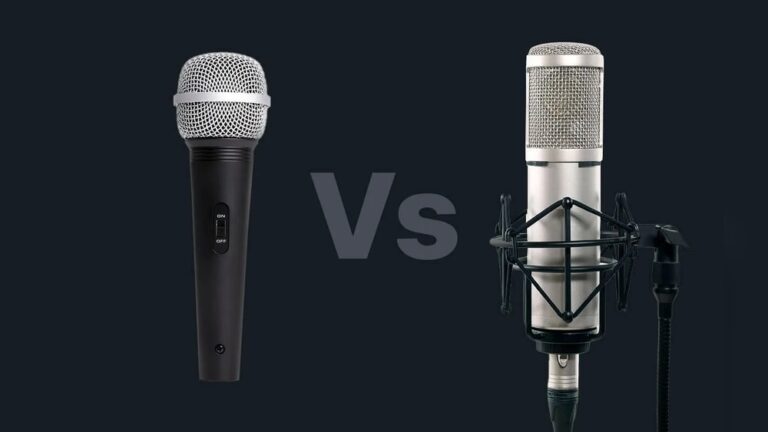
A microphone changes your voice or sound into an electric signal. This signal goes to speakers or recording devices. Microphones come in many shapes and sizes. Some you hold in your hand. Others clip on your clothes. Some stand on a table or floor.
Why Using a Microphone Properly Matters
When you use a microphone the right way, your voice sounds clear. People can hear you well. If you use it wrong, your voice may be too loud or too soft. Sometimes, it can sound strange or have noise. Using it well helps your audience enjoy listening.
Credit: www.dpamicrophones.com
Types of Microphones
There are many kinds, but these are common:
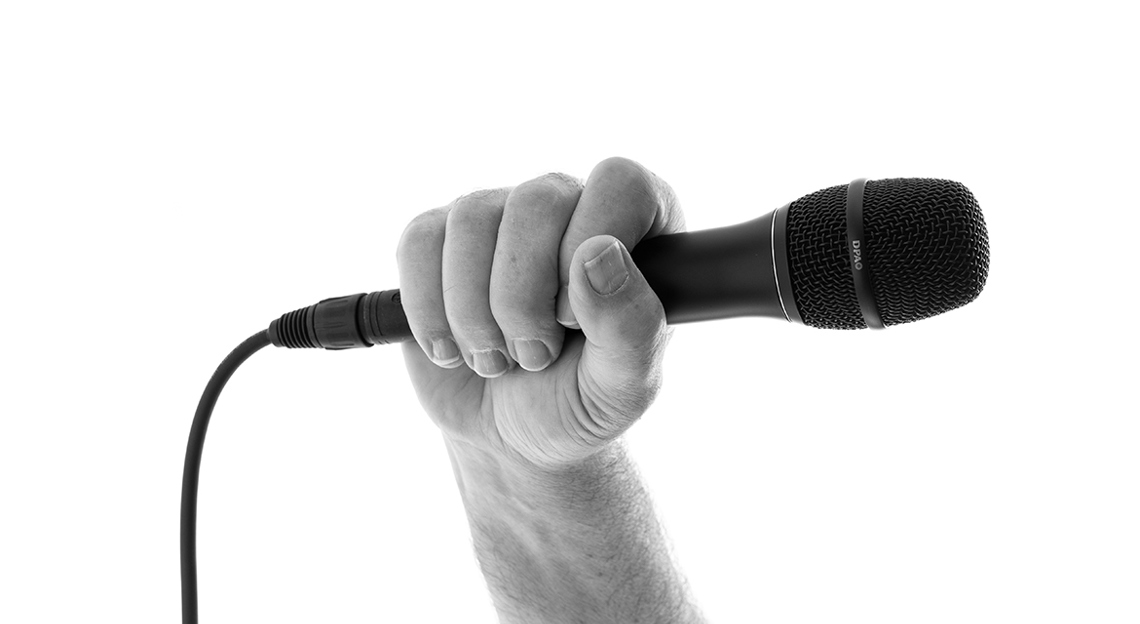
- Handheld Microphones: You hold these when you speak or sing.
- Lavalier Microphones: Small mics clipped on your clothes. Good for hands-free use.
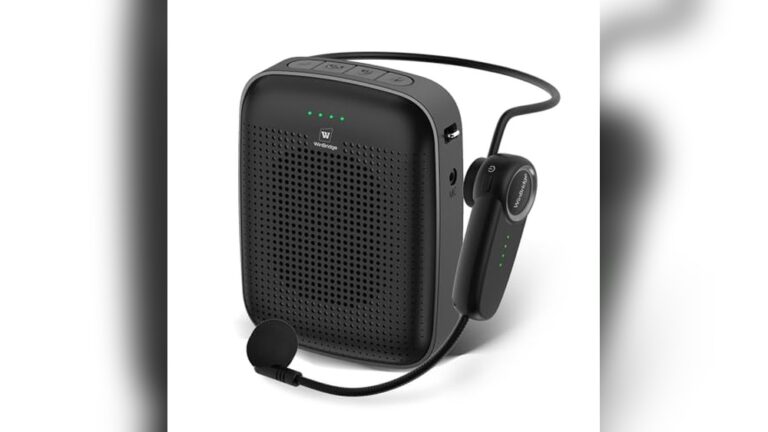
- Headset Microphones: Worn on your head near your mouth. Used by speakers or singers.
- Desktop Microphones: Sit on a desk or table for meetings or calls.
Steps to Use a Microphone Properly
Follow these steps to get the best sound.
1. Check The Microphone
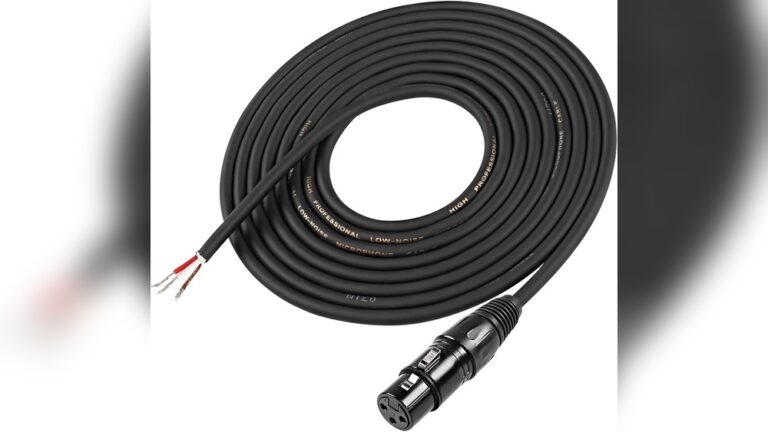
Before using, look at the mic. Make sure it is clean and not damaged. Check the cable if it has one. Loose cables can cause sound problems.
2. Turn It On
Switch on the microphone if it has a power button. Some microphones work only when connected. Know your mic’s way to turn on.
3. Hold The Microphone Correctly
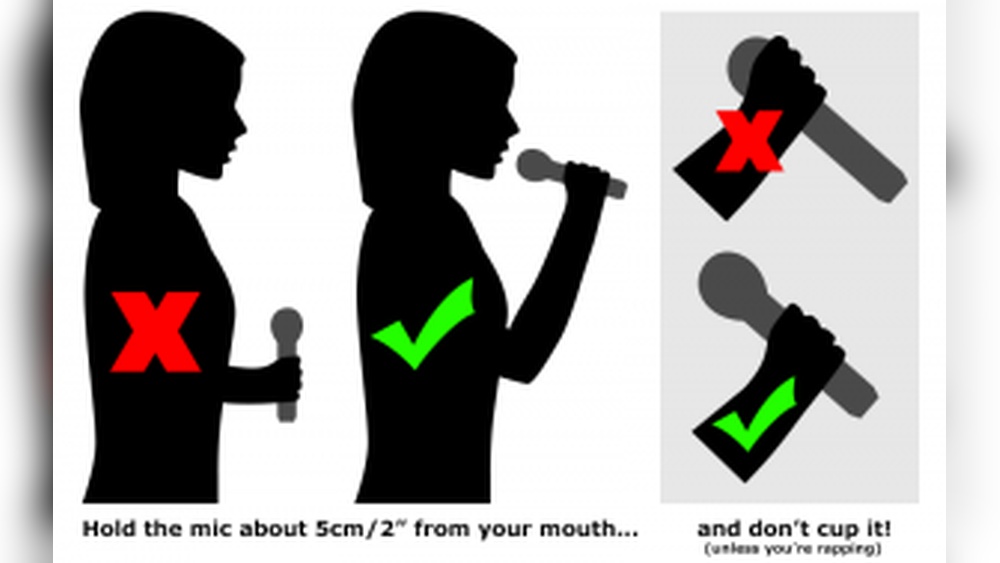
Hold the microphone near your mouth. About 2 to 4 inches (5 to 10 cm) away is good. Too close can cause loud noises or popping sounds. Too far makes your voice sound weak.
If you hold a handheld mic, grip it firmly but not too tight. Avoid covering the mic head with your hand. This blocks sound.
4. Speak Or Sing Into The Microphone
Speak clearly and at a steady volume. Don’t shout or whisper. Keep your voice natural. This helps people hear you well.
5. Avoid Moving The Microphone Too Much
Try not to move the mic up and down or side to side. Movement can cause changes in sound volume. Stay steady for best results.
6. Use Pop Filters Or Windscreens If Available
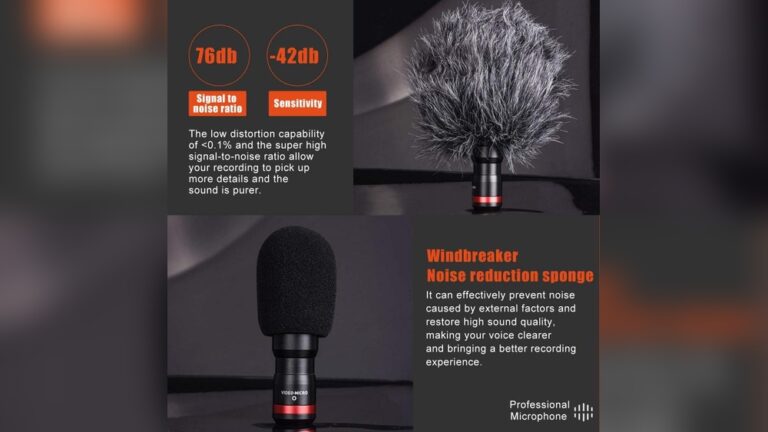
Pop filters or windscreens help reduce popping sounds from letters like “p” or “b.” They also stop wind noise outside. Use them when possible.
7. Mind The Feedback
Feedback is a loud, high-pitched noise. It happens if the microphone hears its own sound from speakers. To avoid feedback:
- Keep microphones away from speakers.
- Turn down the volume if feedback starts.
- Point the mic away from the speakers.
8. Adjust Volume And Settings
Check the volume level on your device or mixer. Make sure it is not too loud or too soft. If you are recording, test sound before starting.
9. Stay Calm And Relaxed
When using a microphone, be calm. Speak slowly if needed. Take deep breaths. This helps your voice sound better.
Common Mistakes to Avoid
Here are some things to watch out for:
| Mistake | Why It’s Bad | How to Fix |
|---|---|---|
| Holding mic too close | Causes loud pops and distortion | Keep 2-4 inches distance |
| Covering mic head | Blocks sound, makes voice muffled | Hold mic by handle only |
| Moving mic too much | Changes volume and sound quality | Keep mic steady |
| Speaking too softly | Hard to hear your voice | Speak clearly at normal volume |
| Using microphone near speakers | Causes loud feedback noise | Keep mic away from speakers |
Tips for Different Uses
Using A Microphone For Singing
- Keep the mic close but not touching your lips.
- Use a pop filter to reduce popping sounds.
- Practice singing into the mic to find the best distance.
Using A Microphone For Speaking
- Speak clearly and slowly.
- Use a clip-on mic if you want to use your hands.
- Look at your audience to connect better.
Using A Microphone For Recording
- Test sound levels before recording.
- Use a quiet room to avoid background noise.
- Stay still while recording for steady sound.
How to Care for Your Microphone
Keep your microphone safe and working well by following these tips:
- Store it in a dry place to avoid damage.
- Use a case or cover to protect it from dust.
- Clean the mic head gently with a soft cloth.
- Handle cables carefully to avoid breaking them.
- Turn off the mic when not in use to save power.

Credit: www.youtube.com
Frequently Asked Questions
How Close Should I Hold A Microphone To My Mouth?
Hold the microphone about 1-2 inches from your mouth for clear sound without distortion.
What Is The Best Way To Avoid Microphone Feedback?
Keep speakers away from the microphone and lower the volume to prevent feedback noise.
How Do I Reduce Background Noise When Using A Microphone?
Use a noise-canceling microphone and speak in a quiet room to cut background sounds.
Can I Use Any Microphone For Singing?
Different microphones suit different voices; dynamic mics work well for live singing.
Conclusion
Using a microphone properly helps your voice sound clear. It makes listening easy and pleasant for others. Remember to hold the mic at the right distance. Speak clearly and avoid covering the mic head. Keep the mic steady and avoid feedback. Take care of your microphone so it lasts long. With these simple steps, you can use any microphone well.