How to Make Microphone More Sensitive?
Microphones help us record sound and talk to others. Sometimes, the microphone does not pick up sound well. You may want to make it more sensitive. This means it will hear quieter sounds easier. In this article, you will learn simple steps to make your microphone more sensitive. The steps are easy and use simple tools.
What Does Microphone Sensitivity Mean?
Microphone sensitivity is how well a microphone picks up sound. A more sensitive microphone hears softer sounds. A less sensitive microphone only hears loud sounds. Sometimes, you want your microphone to be more sensitive. This helps when you speak softly or are far from the microphone.
Credit: myelearningworld.com

Credit: www.sound-toa.com
Reasons to Make a Microphone More Sensitive
- You want to hear quiet sounds better.
- You speak softly and want clear voice.
- You use the microphone in a big room.
- You need better sound for recording or calls.
How to Make Microphone More Sensitive
Follow these easy steps to increase your microphone’s sensitivity.
1. Adjust Microphone Settings On Your Computer
Most computers let you change microphone settings. You can make the microphone more sensitive here. Follow these steps:
- Open your computer’s sound settings.
- Find the microphone settings or input devices.
- Look for the “Microphone Volume” or “Input Level.”
- Increase the volume slider to a higher number.
- Test your microphone to hear if it is better.
Be careful not to make it too loud. Too much volume can cause noise or echoes.
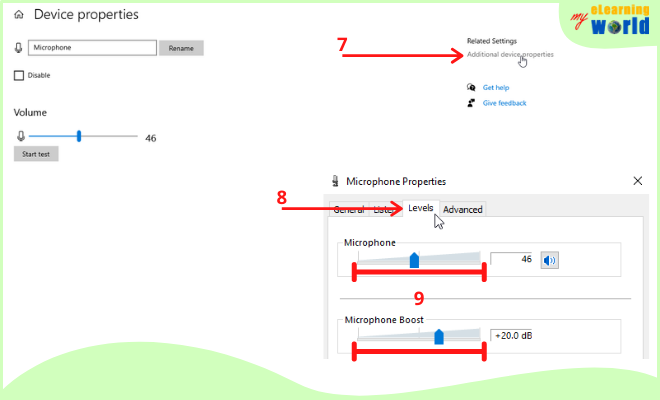
2. Use A Microphone Boost Option
Many computers have a “Microphone Boost” feature. It helps make your mic more sensitive.
- Open sound control panel on your computer.
- Go to recording devices and select your microphone.
- Click “Properties” and find the “Levels” tab.
- Look for “Microphone Boost” and increase it slightly.
- Test the microphone after changing boost level.
Boosting too much can cause background noise. Increase slowly and test each time.
3. Change Your Microphone Position
Position matters. Placing your microphone closer to your mouth makes sound louder. Here are tips:
- Put the microphone about 6 to 12 inches from your mouth.
- Speak directly towards the microphone.
- Avoid pointing microphone away from your voice.
- Use a stand or holder to keep microphone steady.
Good position helps your microphone pick up sound better.
4. Use A Pop Filter Or Foam Cover
Pop filters and foam covers protect microphones from wind and noise. They also help your voice sound clear.
- Pop filters reduce harsh sounds from letters like “P” and “B.”
- Foam covers reduce wind noise and small noises.
- These tools help the microphone focus on your voice.
They do not increase sensitivity, but improve sound quality.
5. Clean Your Microphone
Dirt and dust can cover microphone holes. This stops sound from entering well.
- Use a soft brush or cloth to clean the mic surface.
- Be gentle to avoid damage.
- Do not use water or liquid directly on the microphone.
Clean microphones work better and may seem more sensitive.
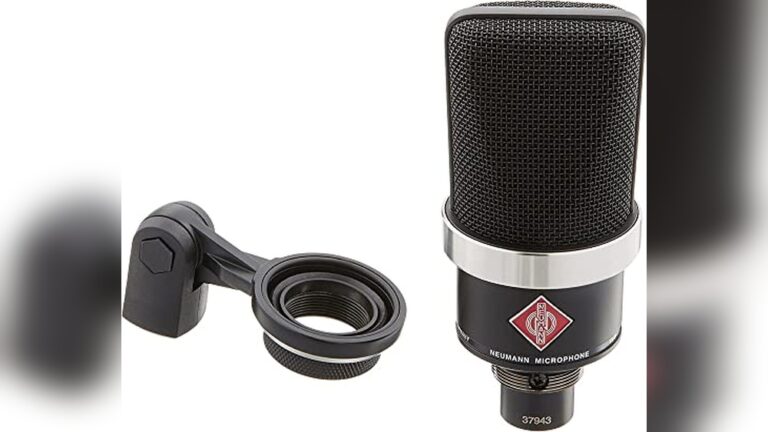
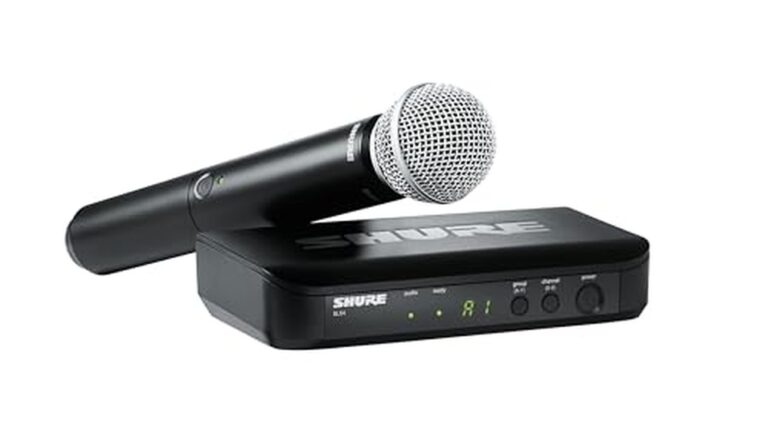
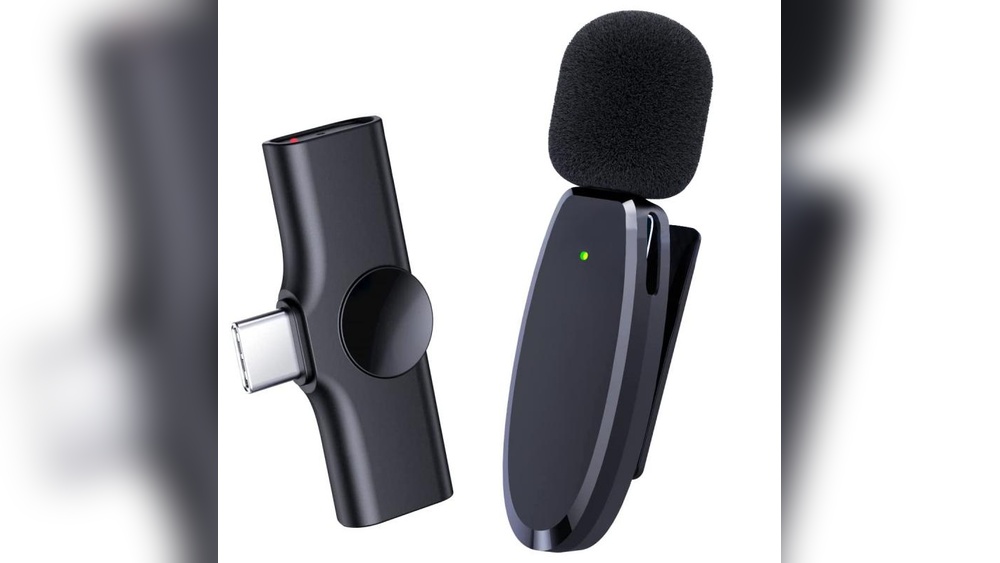
6. Use External Microphone Or Audio Interface
Built-in microphones in laptops or phones may not be very sensitive.
Using an external microphone can help. Here is why:
- External microphones are often better quality.
- You can place them closer to your mouth.
- Some have built-in sensitivity controls.
- Audio interfaces let you control sound better.
If you record a lot, investing in an external mic helps a lot.
7. Use Software To Improve Microphone Sensitivity
Some apps or software can make microphones more sensitive.
They can:
- Increase input volume digitally.
- Reduce background noise.
- Adjust sound levels automatically.
Examples include voice recorder apps or sound editing programs.
Try free software like Audacity or simple phone apps.
Tips to Avoid Problems
When making your microphone more sensitive, watch out for these:
- Background noise: More sensitivity can hear unwanted sounds.
- Distortion: Too much boost can make sound bad.
- Echo: Loud sound may cause echo if room is empty.
- Feedback: Loud speakers near mic cause feedback noise.
Keep settings balanced and test often.
Summary Table: Ways to Make Microphone More Sensitive
| Method | How It Helps | Notes |
|---|---|---|
| Adjust Microphone Volume | Increases input level | Use moderate levels to avoid noise |
| Microphone Boost | Amplifies sound digitally | Increase slowly to prevent distortion |
| Change Microphone Position | Closer to sound source | Keep steady and directed |
| Use Pop Filter or Foam | Improves sound clarity | Does not raise sensitivity directly |
| Clean Microphone | Removes blockages | Use gentle tools, no water |
| External Microphone | Better quality and control | Good for regular use |
| Use Software | Digital volume increase | Try free apps like Audacity |
Final Thoughts
Making your microphone more sensitive is easy with simple steps. Adjust settings on your computer first. Place your microphone close to your mouth. Use tools like pop filters and keep the microphone clean. External microphones and software can also help. But be careful not to add too much noise or echo. Try small changes and test your microphone often. This way, you get the best sound for your voice.
Now you know how to make your microphone hear you better. Use these tips when you record or talk online. Clear sound is important. A sensitive microphone helps you share your voice easily.
Frequently Asked Questions
How Can I Increase My Microphone Sensitivity On Windows?
Adjust microphone levels in Sound Settings under the Recording tab for better sensitivity.
What App Settings Improve Microphone Sensitivity?
Check app audio input settings and increase microphone volume or gain if available.
Does Updating Drivers Affect Microphone Sensitivity?
Yes, updating audio drivers can fix bugs and improve microphone performance.
Can Using An External Mic Boost Sensitivity?
External microphones often have better sensitivity and clearer sound than built-in ones.